When you first log in, you land in your Library. This is where everything lives: your brand, your product categories, and your individual products.

The platform organises your content into three levels:
Brand: the top-level identity (e.g. "Brand" or "Company")
Group: a product line or category (e.g. "Shampoos" or "Consulting Services")
Product / Service: an individual item (e.g. "Styling Cream")
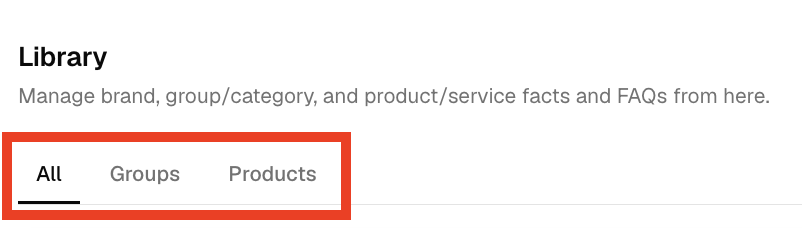
💡 These are called Entities. An Entity is simply a thing the platform generates FAQs about.
Click on any Entity in the Library to open its workspace. You’ll land directly on the FAQs tab, which is where most of your work happens.

If your product is nested under a Group, you’ll see the Group listed under the Brand in the Library sidebar. Click through to find the product you’re looking for.
Each Entity has an Also known as field. This is where you add alternative names, abbreviations, or common misspellings for your product. You can find this field in the Entity tab.
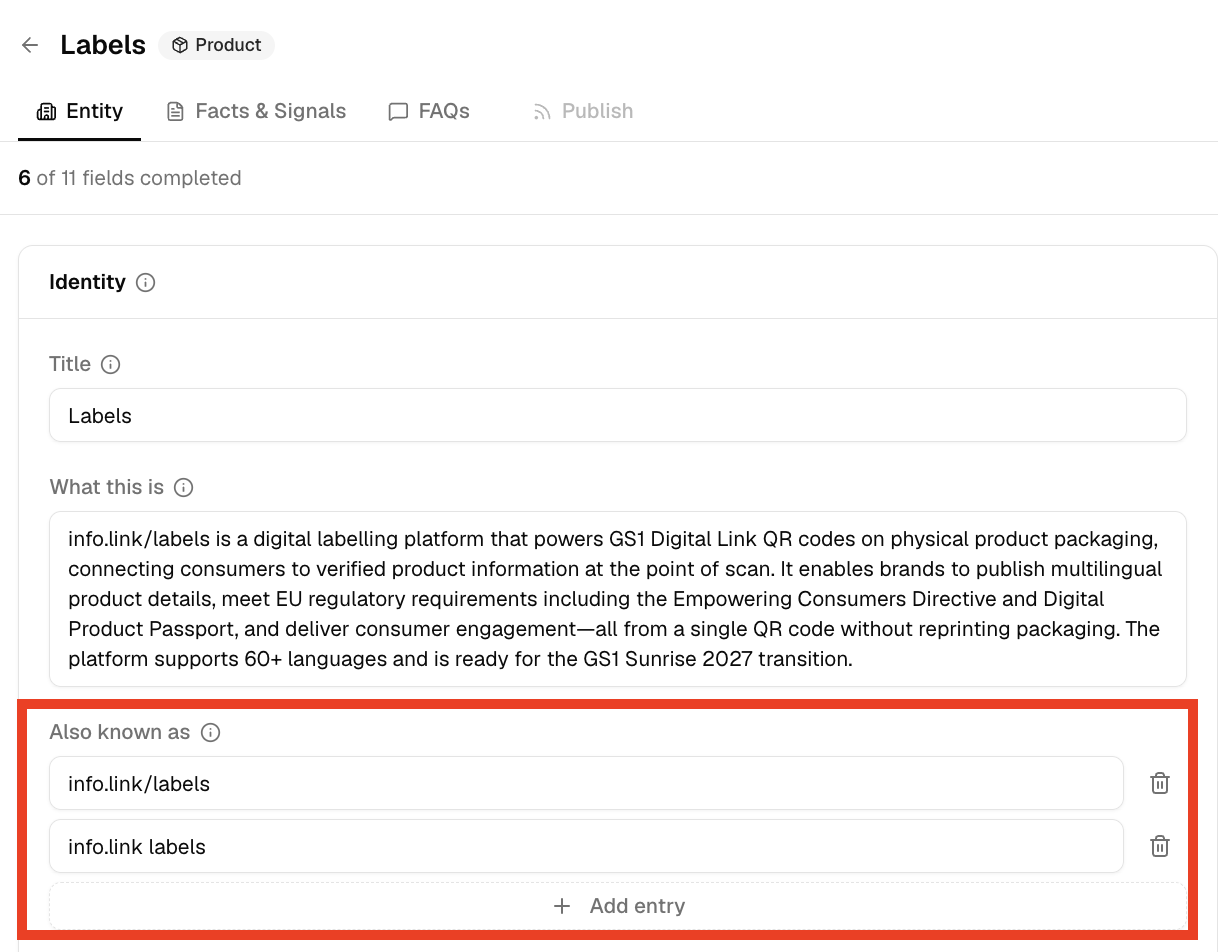
This matters because AI tools (ChatGPT, Gemini, etc.) search by name. If someone searches for a slightly different version of your product name and it’s not listed here, the platform may not surface your content.
Example: If your product is officially called “Happy Styling Cream 200ml” but people also search for “Happy Styling Gel”, so you add that as an alias.
To add a new product to your Library:
Go to Library in the left sidebar
Click Add Entity in the top right

Select the Entity type: group or product
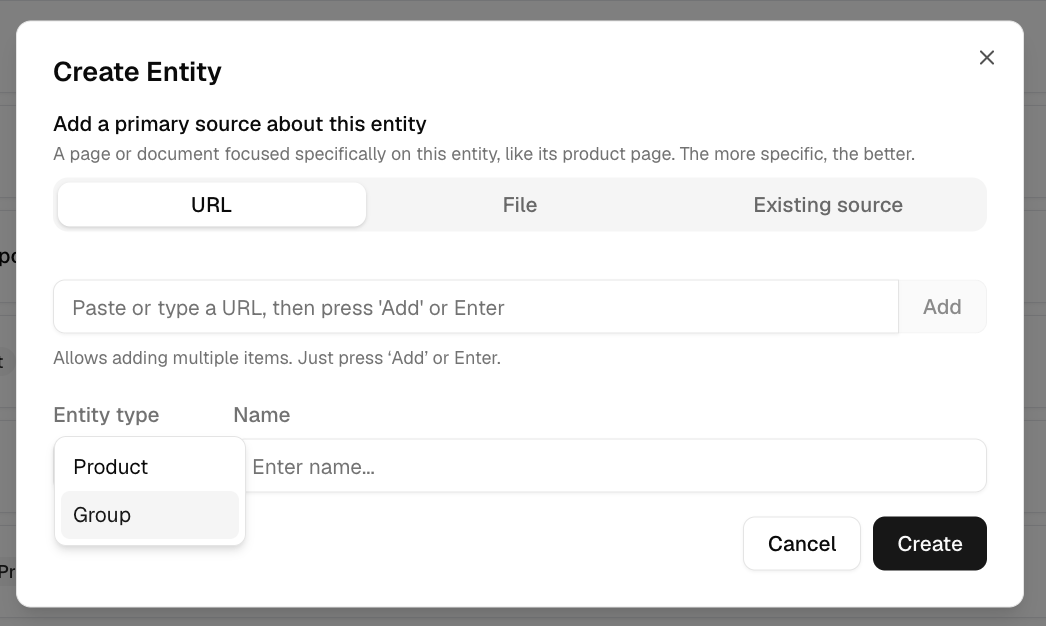
Enter the product name and its URL on your website
The system will create the Entity and automatically fetch your website as the first source
💡 Adding the URL at this step does two things at once: it creates the Entity and adds your product page as a source.
❓What’s the difference between a Brand, a Group, and a Product?
Brand is your company identity. Groups are usually product/service lines or categories. Products are individual items. Think of it as a folder structure: Brand > Group > Product.
❓Do I need all three levels?
Not always. You can have a Brand with Products directly under it, without Groups. Groups are most useful when you have many products that belong to distinct categories.
❓What does “Entity” mean?
It’s the platform’s term for any item that gets its own FAQ page: whether that’s a brand, a category, or an individual product.